
Home / Blogs
POS System Meaning - What Is a POS System and How Does It Work?
25 Mar 2026
Admin
Have you ever noticed how quickly stores process payments these days? One moment a cashier scans a product, and the next moment, your payment is completed. It feels simple, but have you ever wondered what happens behind the scenes? What technology allows businesses to handle sales so smoothly? This is where the POS system meaning becomes important. Many people hear the term often, yet few truly understand it.
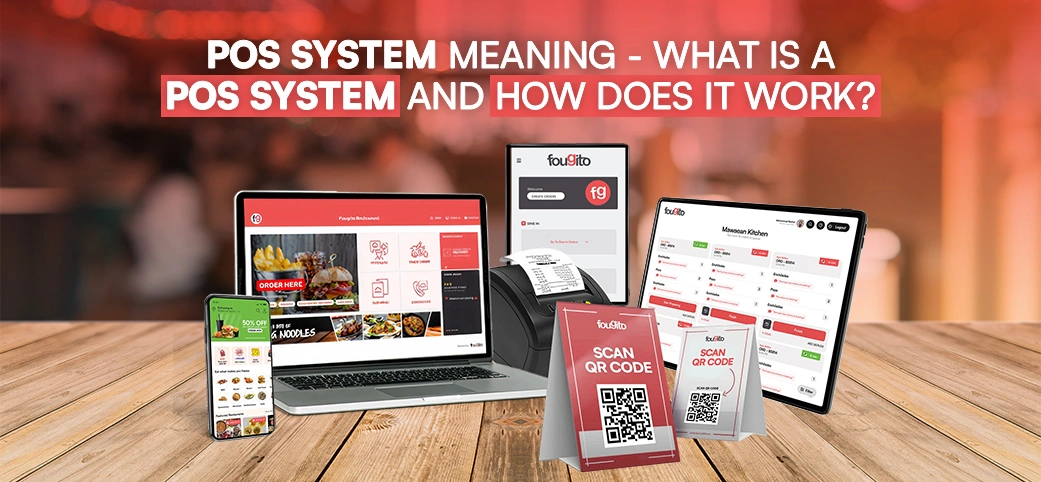
In simple terms, a POS system helps businesses complete sales transactions and manage daily operations. If you have ever asked yourself what is a POS system or why companies depend on it so much, the answer lies in how modern technology has transformed retail and hospitality businesses. Today’s point of sale systems do much more than calculate totals or print receipts. They help track inventory, monitor sales, and even improve customer service.
Understanding the POS system meaning can help you see why businesses across industries rely on this technology every day.
What Is a POS System?
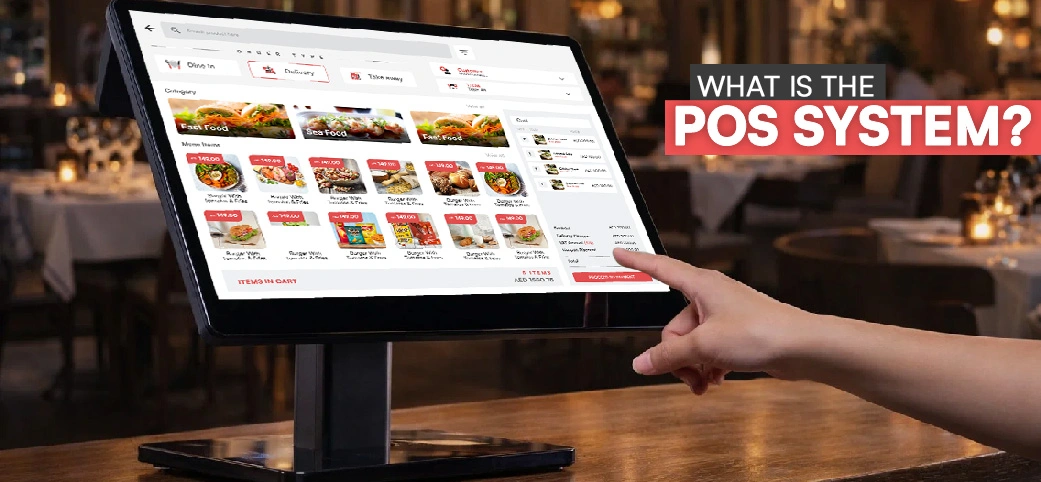
Before exploring how it works, it helps to first understand what is pos in business terms. In simple language, a POS system is the place where a customer completes a purchase. It is the point where products or services are exchanged for payment.
Previously, traditional cash registers were being used to complete transactions in businesses. These machines were able to compute totals and cash store only. Simple machines developed into digital systems with much more capabilities as technology developed. Currently, there are point of sale systems that combine both hardware and software ability to control sales, monitor inventory levels, as well as analyse business performance.
The core purpose of a POS system is to process payments quickly while keeping records of every transaction. When someone asks what is pos system technology, the answer usually refers to a complete setup that allows businesses to sell products efficiently while keeping track of their operations.
Key Components of a POS System
Every POS setup includes several tools working together. These tools ensure transactions are fast and accurate.
Hardware Components
The hardware is the physical equipment used during the checkout process.
- A POS terminal acts as the main device where transactions are processed. It usually includes a touchscreen interface where employees can select products or services.
- A barcode scanner helps identify products instantly by scanning their barcodes. This speeds up the checkout process and reduces human error.
- A receipt printer produces printed transaction records for customers. Many businesses also offer digital receipts today.
- A cash drawer stores physical cash and opens automatically when cash payments are made.
Software Components
The software is what makes the entire system smart and efficient.
- The Sales tracking software is used to track all the transactions and assist the businesses in the analysis of the sales performance.
- The stock levels are updated with the help of inventory management tools each time a product is sold.
- The reporting dashboards offer understandable information regarding the revenue, customer behaviour and sales trends.
- The customer database management assists companies in storing customer contact and purchase history in order to serve them better.
Together, these tools form a complete POS solution that supports daily operations.
How Do Point of Sale Systems Work?
To better understand the pos system meaning, it helps to look at how a transaction actually happens.
When a customer decides to purchase a product, the cashier scans or selects the item in the system. The POS software instantly calculates the price, including taxes or discounts.
Once the order is confirmed, the customer chooses a payment method. The system then processes the payment securely. After approval, the system records the transaction and generates a receipt.
Transaction Process Explained
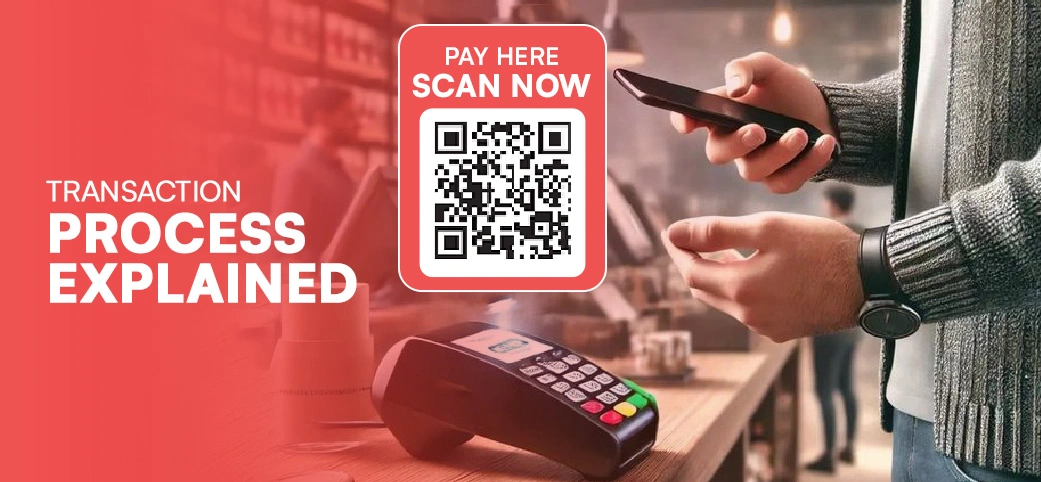
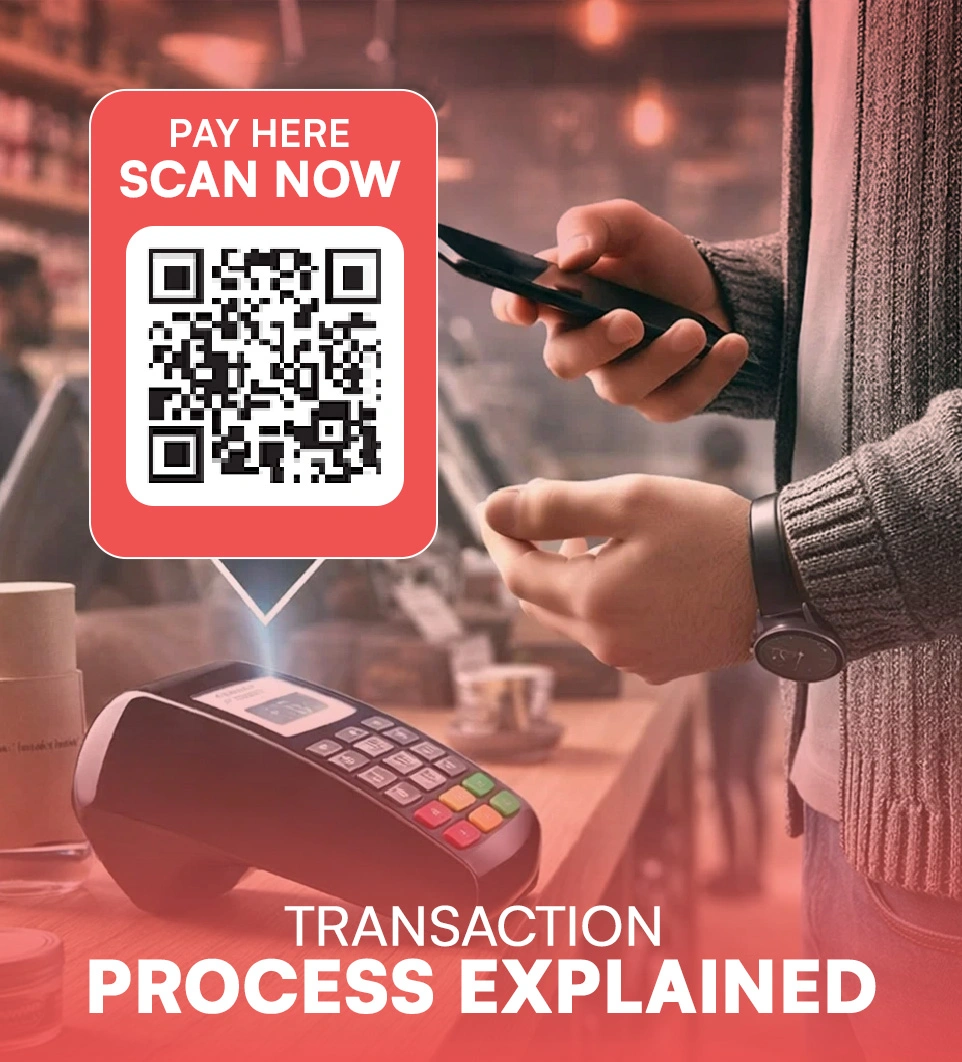
A POS system follows a simple process to complete every sale efficiently. It is as follows:
Order Entry
The first step in a transaction is adding items to the order.
Employees can scan barcodes or manually select products from the system. If the business offers promotions, the cashier can also apply discounts or modifiers directly through the POS interface.
Payment Processing
The next step involves payment.
Customers can pay using cash, credit cards, debit cards, or digital wallets. The POS system communicates with secure payment gateways to verify and approve electronic payments.
This secure connection ensures transactions are safe and reliable.
Receipt and Record Generation
After the payment is approved, the system generates a receipt.
Customers may receive a printed receipt or a digital copy sent to their email or phone. At the same time, the system records the transaction automatically for accounting and reporting purposes.
Types of POS Systems
There are various types of POS solutions that a business can use depending on its needs.
Cloud systems are data storage systems which are stored online and enable business people to access information anywhere. The reason why these systems are popular is that they are easy to maintain and flexible.
On-premise systems hold information in local servers. This setup is more likely to be adopted by businesses which would like to have full control over their data.
Mobile POS systems run on smartphones or tablets. These are common in small shops, restaurants, and pop-up stores where mobility is important.
Some industries also use specialised systems designed for their unique operations.
Benefits of Cloud-Based POS Systems
Cloud systems offer several advantages for modern businesses. They allow remote access, which means owners can monitor sales from anywhere. They also receive automatic software updates, ensuring the system always runs on the latest version.
Another benefit is secure data backup. Even if hardware fails, business data remains protected in the cloud.
Features of Traditional On-Premise POS Systems
On-premise systems run on local servers installed within the business premises. Many companies choose this setup because it offers direct control over data storage.
These systems also usually require a one-time licensing cost rather than a monthly subscription.
Benefits of Using a POS System
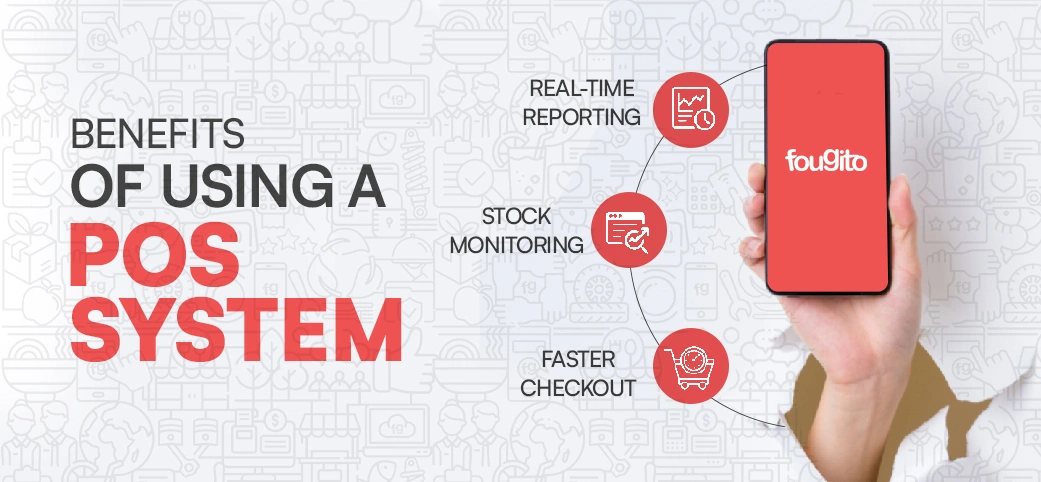
Understanding the pos system meaning also reveals why businesses rely on it today. A POS system simplifies operations, improves accuracy, and provides valuable insights about sales performance. Modern businesses use POS technology to manage finances, monitor inventory, and streamline daily tasks.
Real-Time Reporting
POS systems provide detailed sales analytics. Managers can quickly see which products sell the most and which ones perform poorly.
Performance tracking tools also help businesses evaluate employee productivity and daily revenue.
Stock Monitoring
Inventory management becomes much easier with a POS system. Whenever a product is sold, the system updates stock levels automatically. Businesses can also receive alerts when inventory is running low. This prevents stock shortages and improves purchasing decisions.
Faster Checkout
One major advantage of a POS system is faster billing. Customers spend less time waiting in line, which improves their overall shopping experience. A seamless checkout process helps businesses serve more customers in less time.
Why Understanding POS System Meaning Is Important for Businesses
Knowing the pos system meaning helps business owners make smarter decisions when choosing technology.
A reliable POS system improves efficiency by automating many daily tasks. It also provides valuable insights that support better planning and growth.
As businesses expand, having the right POS system ensures operations remain organised and scalable.
Wrapping Up!
By now, the pos system meaning should be much clearer. A POS system is more than just a checkout tool. It is a complete solution that helps businesses manage sales, inventory, and customer interactions.
From processing transactions to generating real-time reports, these systems play a major role in modern business operations. Understanding what is a pos system and how it works helps companies choose the right tools to support growth and efficiency.
Investing in reliable point of sale systems allows businesses to improve operations, serve customers better, and stay competitive in today’s fast-moving marketplace.